Getting started
This page installs the package and applies it to a short excerpt of lecture notes, introducing the main concepts one at a time: presets, intensity and seed, themes, and decorations.
Installation
Building requires Rust and just; see Development.
The import binds the module lookscanned. All functions are accessed through it.
1. The source document
#set page(width: 12cm, height: 7cm, margin: (x: 1cm, y: 0.9cm))
#set text(font: "New Computer Modern", size: 10pt)
#set par(justify: true)

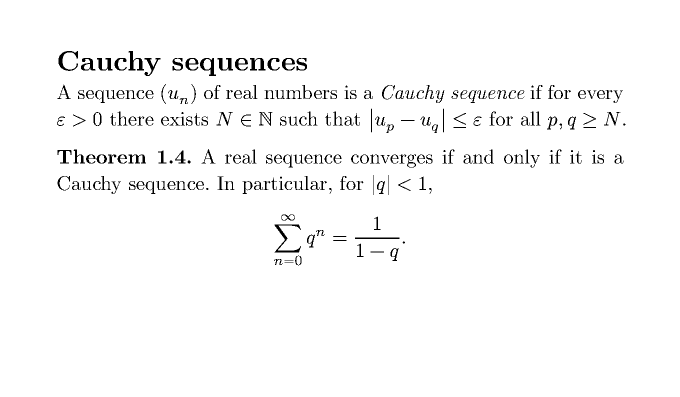
= Cauchy sequences

A sequence $(u_n)$ of real numbers is a _Cauchy sequence_ if for every
$epsilon > 0$ there exists $N in NN$ such that $abs(u_p - u_q) <= epsilon$
for all $p, q >= N$.

*Theorem 1.4.* A real sequence converges if and only if it is a Cauchy
sequence. In particular, for $abs(q) < 1$,
$ sum_(n=0)^infinity q^n = 1 / (1 - q). $
2. Apply a preset
scan is a show rule applied to the rest of the document. Place it after your own set page rules:
#import "@preview/lookscanned:0.1.0"

#set page(width: 12cm, height: 7cm, margin: (x: 1cm, y: 0.9cm))
#show: lookscanned.scan.with(preset: "office-scan")
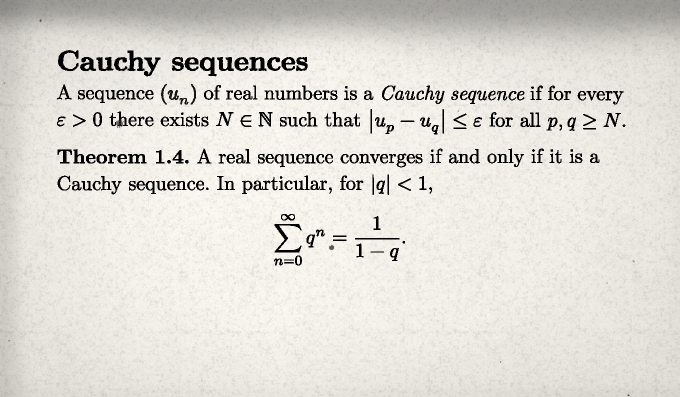
The page now has grain, an edge shadow and dust; the text is slightly rotated and inked. Line breaks are unchanged and the text, including the equations, remains selectable.
3. Scale and vary the effect
| Argument | Effect |
|---|---|
intensity |
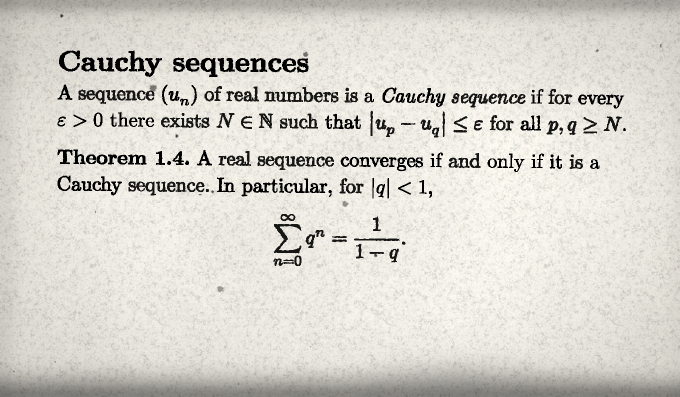
Multiplies every amount, angle and offset. 0 disables the effect, 1 is the preset as defined, values above 1 exaggerate it. |
seed |
Selects one variant. Each integer gives a different but reproducible arrangement of stains, rotations and dust. |
4. Override individual settings
Settings are grouped in themes: paper, stains, ink, skew, edges, scanner and quality. Each theme is a dictionary; keys you omit keep the preset's value.
#show: lookscanned.scan.with(
  preset: "office-scan",
  seed: 7,
  intensity: 1.6,
  paper: (color: rgb("#f3ead6"), aging: 0.4),
  ink: (bleed: 0.6),
)
Unknown themes, unknown keys and values of the wrong type stop compilation with an error naming the offending setting.
5. Add a decoration
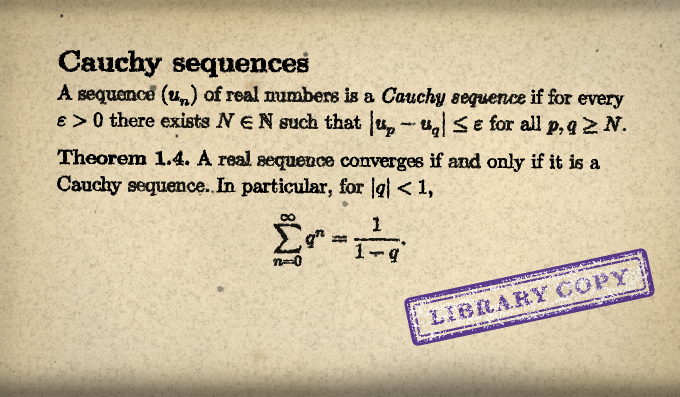
Decorations are ordinary functions that return content. at places them relative to the current container instead of inline:
Next steps
- Compare the presets and pick the closest look.
- Read Mathematics before applying the package to a full set of notes or a book template.
- The Themes reference lists every setting.