Ink
The ink theme controls the appearance of the glyphs: how far the ink spreads, how evenly it was applied and how much is missing. Ink effects modify the paint of the text, never the text itself (see Architecture).
#show: lookscanned.scan.with(
  preset: "office-scan",
  ink: (bleed: 0.6, fade: 0.3, wear: 0.2, legibility: 0.9),
)
The figures below use clean-scan with a single setting changed. Ink details are fine-grained: zoom in to see them.
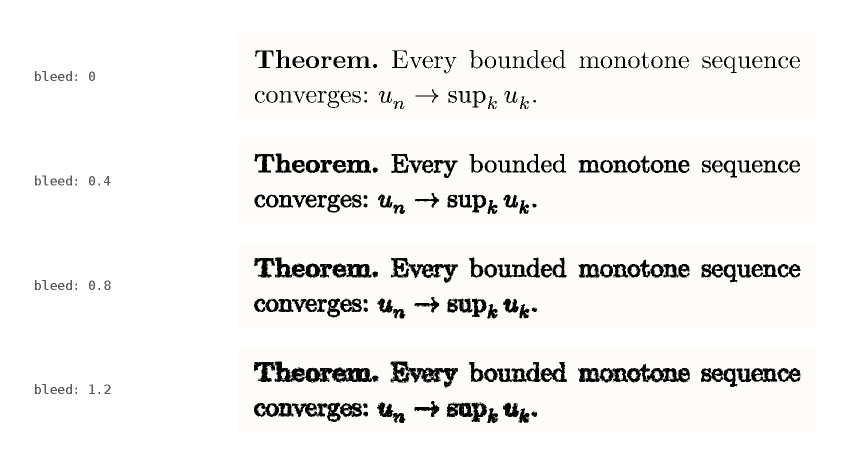
bleed
Ink spreading into the paper. Each glyph is stroked with a patchy texture, so it grows by different amounts at different places. Around 0.3 the result resembles an ordinary print; above 1 the text becomes heavy and smudged.
fade
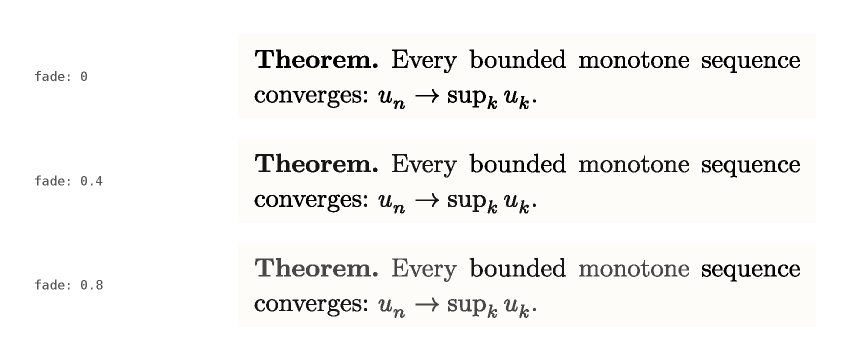
Uneven inking. Each word (each character with quality.granularity: "char") is mixed with the paper colour by a random amount up to fade. The variation is quantised to three levels to limit the number of distinct textures in the PDF.
wear
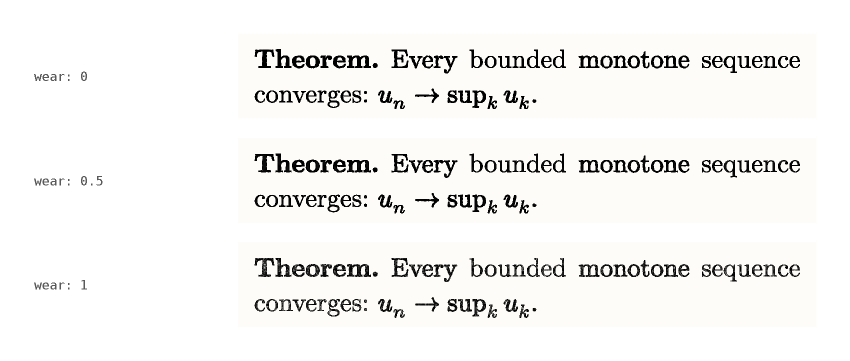
Pinholes and dropouts inside the glyphs: worn ribbon, dry toner, tired stamp pad. Values up to 1.5 are meaningful.
legibility
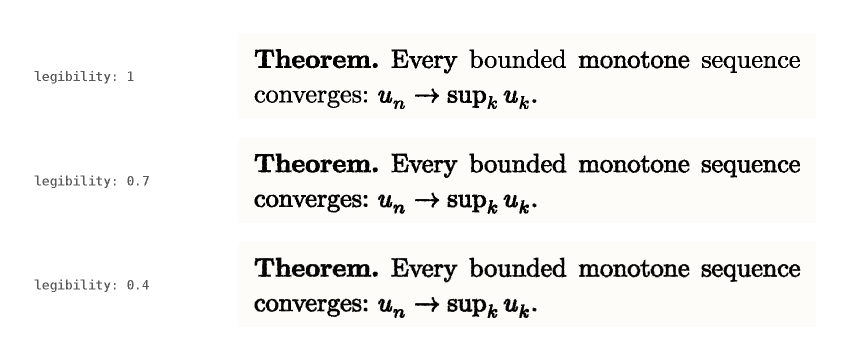
A single control from 1 (sharp) to 0 (barely readable). Lowering it softens the glyph outline into a halo, adds dropouts and fades the ink. It is the quickest way to degrade a document without tuning each key.
Note
The halo is narrower than a screen pixel at normal zoom. It is visible in print and when zooming in.
ghosting
ghosting: true draws three faint offset copies of each word, as on a blurred fax. The copies are tagged as PDF artifacts, but many tools (copy and paste, search, pdftotext) still extract them, so the option is off by default. Enable it only when the text does not need to be extracted.
Scope
- Ink applies to every text run and to every equation (see Mathematics).
- Text filled with a gradient or a tiling is left untouched.
- Some PDF viewers draw the textured outline as plain ink; see Limitations.