Pages and regions
scan applies one configuration to the whole document. Two functions narrow the scope: page changes the configuration for some pages, region applies text effects to a single block.
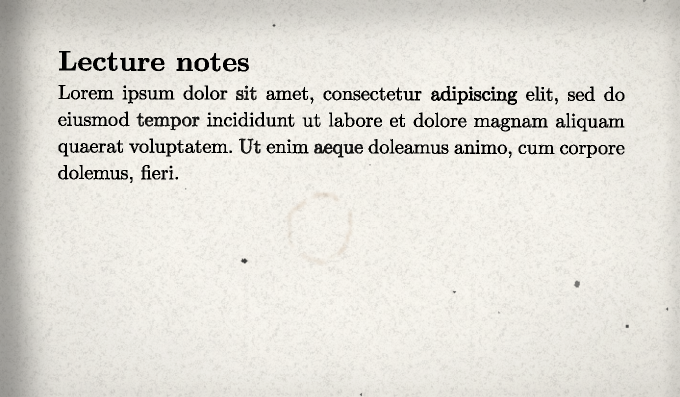
page: override some pages
#show: lookscanned.scan.with(preset: "office-scan")

= Lecture notes
…

#pagebreak()

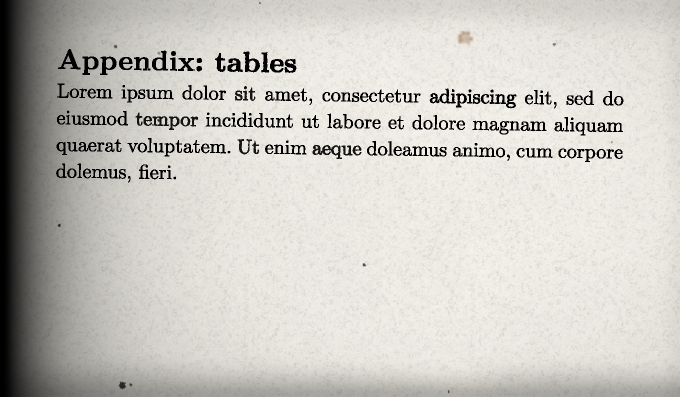
#lookscanned.page(stains: (amount: 1), skew: (page-rotation: 2deg), edges: (binding: true))[
  = Appendix: tables
  …
]
Semantics:
- The override applies to every page spanned by the body, from the page where it starts to the page where it ends.
- It inserts no page break. Add
#pagebreak()if the content must start on a new page. - It accepts the same arguments as
scan. Unset arguments are inherited fromscan; apresetargument replaces the preset ofscanfor those pages. - It affects page-level effects only: paper, stains, dust, lighting, scanner artefacts and page rotation.
- Calls cannot be nested.
Text effects are not overridden
Ink and word or character jitter keep the configuration of scan. To change the text in one place, use region in a document without scan.
region: one block
The proof below is reproduced from the original 1958 edition.

#lookscanned.region(preset: "typewriter", seed: 2)[
  *Proof.* Let $epsilon > 0$ and choose $N$ such that $abs(u_n - ell) <= epsilon$
  for all $n >= N$. Then $abs(u_p - u_q) <= 2 epsilon$ for all $p, q >= N$.
]

The converse requires the completeness of $RR$.
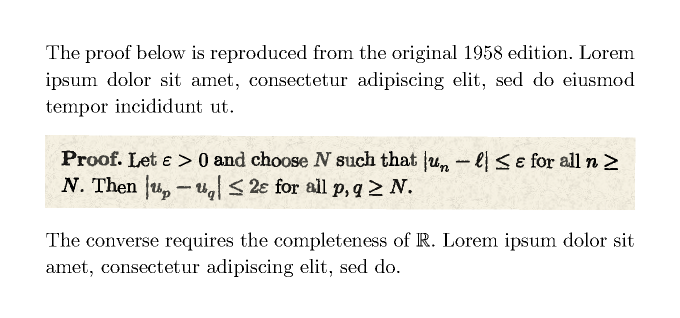
region returns a full-width block that:
- is filled with the paper colour and the tiled grain;
- applies ink and jitter to its text and equations;
- is rotated by an angle drawn from
skew.page-rotation.
It draws no stains, dust, lighting or scanner artefacts, which are page-level effects. It works without scan; inside a scan document the text effects would apply twice.